Introducing Tasks in Squint

Every operation has moments when something surfaces unexpectedly – a quality issue, a deviation, something on the line that needs a response. In those moments, the difference between a team that handles it well and one that scrambles usually comes down to one thing: did the right people already know what to do?
Meet: Tasks
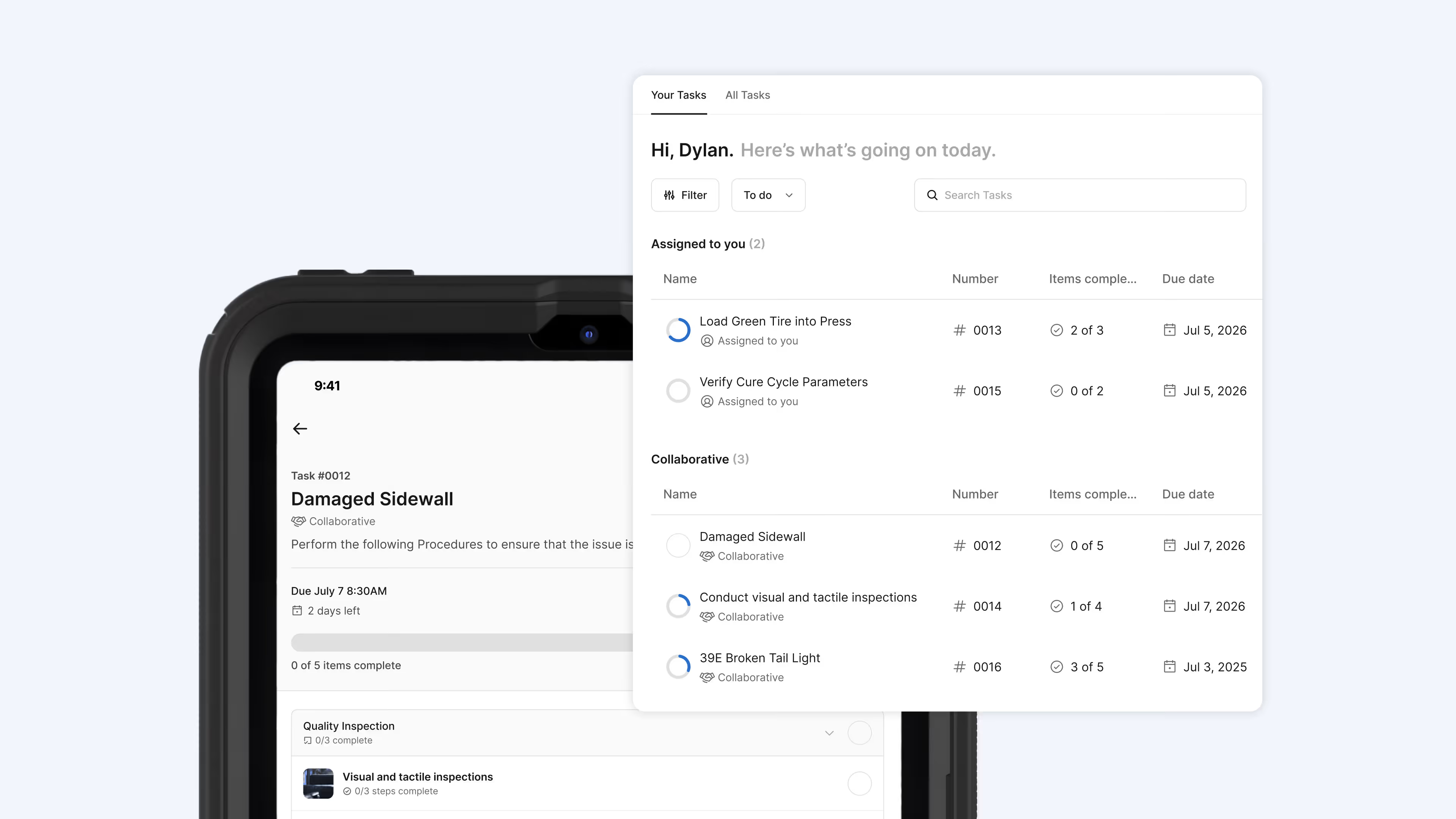
Tasks allows teams to attach any work instruction or checklist to an assigned task, choose who it goes to, set a due date, and schedule it to repeat for recurring work. Operators open Squint, see what's been assigned to them, follow the work instruction, and submit when done. Supervisors or designated approvers sign off digitally and the record lives in Squint, tied to the work instruction that was followed.
.gif)
Unplanned work that routes itself
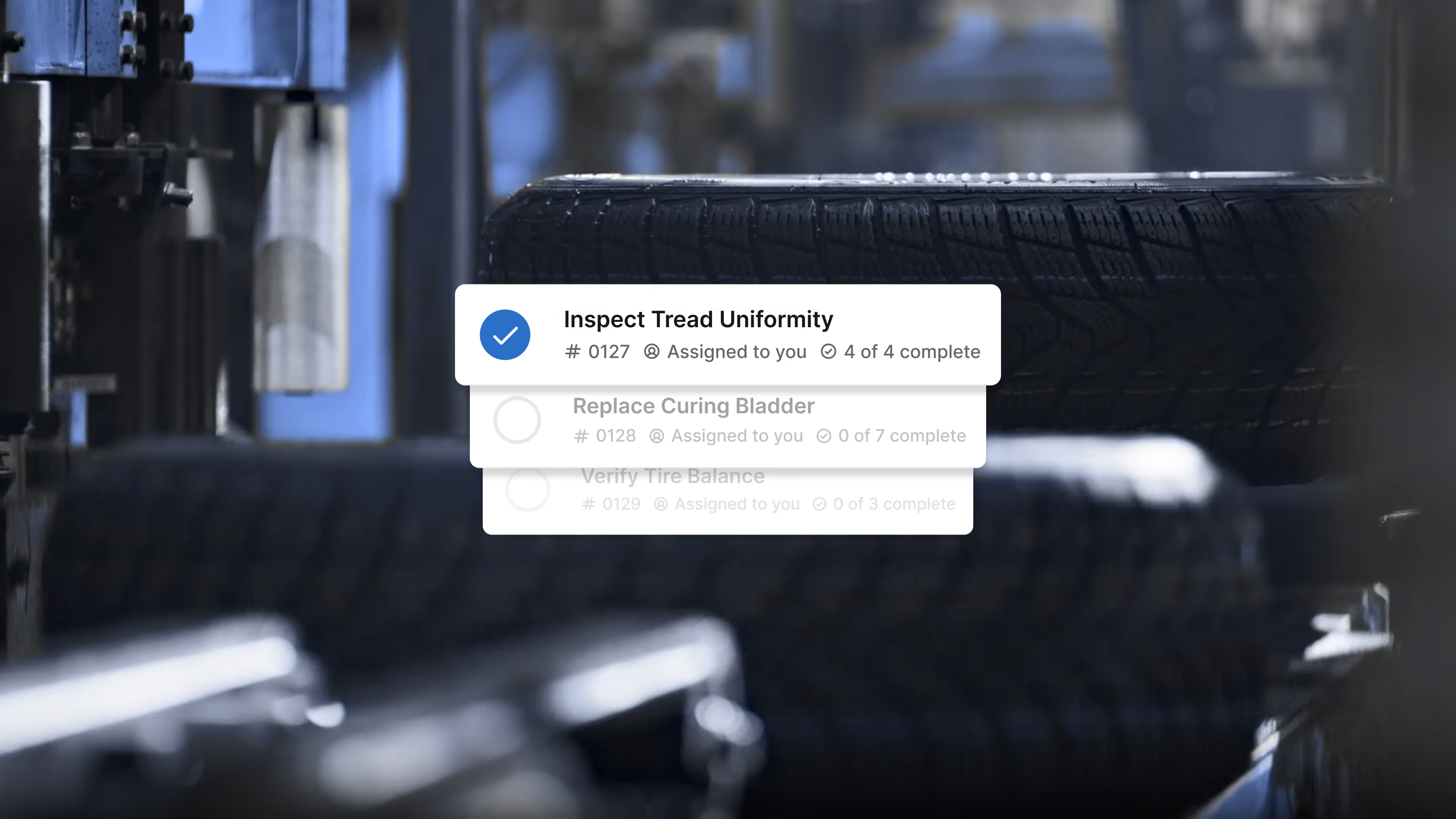
For unplanned work, like when a quality issue surfaces on the line at a Fortune 500 tire manufacturer, every team responsible for a step in the response gets the right work instruction automatically. There’s no supervisor needed to figure out who's on it, find the relevant procedure, and make sure it gets done. Operators know exactly what to do and how to do it. Supervisors can see what's been completed and what hasn't. As the issue reaches resolution, nobody is left wondering where the entire line stands on resolution.
.avif)
Planned work executed with confidence
For planned, recurring work – daily safety checks, scheduled maintenance, operator certifications – this means the right person gets the right work instruction on the right cadence, without a whiteboard or a group text bridging the gap. One of the country's largest commercial truck fleets manages DOT compliance inspections using Squint. Supervisors have approved thousands of completed inspections digitally and the record is there when they need it.
Wrapping up
Procedures tell people how to do the work. Tasks make sure they actually do it. And when that coordination lives in Squint, it means your supervisors stop managing logistics and start managing exceptions.
Tasks is available to all current Squint customers. Talk to our team to get started.